
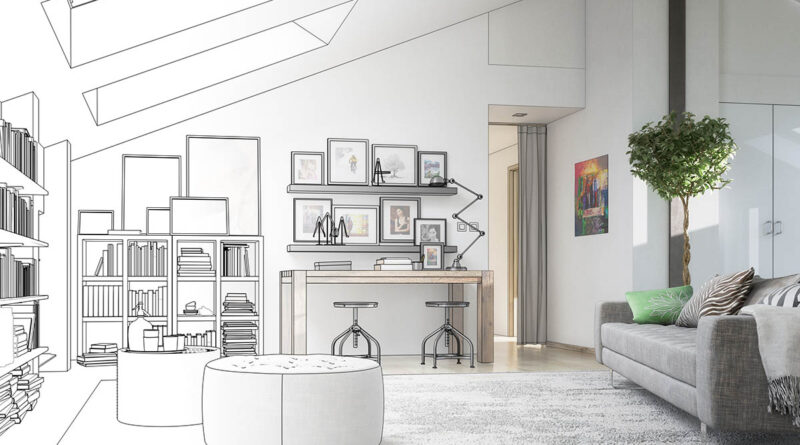
5 free furniture design tools
5 free furniture design tools – it’s worth knowing them!
SketchUp Free – a popular and intuitive tool for furniture modeling
Fusion 360 – an extensive CAD tool for hobbyists
Blender – creative furniture design and rendering
FreeCAD – an open-source tool for advanced modeling
Sweet Home 3D – a simple interior and furniture designer
Choose the best solution for your needs
5 free furniture design tools - it's worth knowing them!
Furniture design is a passion that can combine functionality with aesthetics. Nowadays, thanks to technology, creating unique designs has become easier than ever. There are many free furniture design tools on the market that allow both professionals and amateurs to implement their ideas. In this article, we present five tools that may interest you and describe their most important functions.
SketchUp Free – a popular and intuitive tool for furniture modeling
The first tool worth getting to know is SketchUp Free. This is a free version of one of the most famous 3D modeling programs. SketchUp Free runs in your browser, eliminating the need to install additional software on your computer. This makes it accessible from virtually anywhere.
The functionality of SketchUp Free includes creating precise furniture models. The program allows for intuitive design using simple tools such as lines, shapes and surfaces. Moreover, the ability to export designs in popular formats means that work on the furniture can be continued in other programs or sent to manufacturers.
SketchUp Free has gained recognition among both amateurs and professionals thanks to its simplicity and wide possibilities. It is ideal for creating cabinets, tables or shelves, as well as more complex projects.
Fusion 360 – an extensive CAD tool for hobbyists
The second tool worth attention is Fusion 360 from Autodesk. This is advanced CAD software that is available for free to students, educators and hobbyists. Fusion 360 offers 3D modeling, simulation and production preparation functions.
Thanks to the extensive functions of Fusion 360, it is possible to create projects with a very high level of detail. The program allows for structural simulations, which is useful when checking the strength of furniture. Moreover, the intuitive interface makes it easier for people without extensive experience in 3D design.
Fusion 360 is particularly popular among people who want to thoroughly test their ideas before implementing them. This is an ideal tool for those who want to achieve a professional effect at low costs.
Blender – creative furniture design and rendering
Another proposition is Blender – a versatile software for 3D modeling, animation and rendering. While Blender was not designed solely with furniture design in mind, its functionality makes it perfectly suited for this purpose.
Blender allows you to create more artistic and creative furniture designs. Advanced modeling tools and the ability to add realistic textures and lights allow you to achieve impressive effects. Thanks to this, Blender is often chosen by people working on furniture prototypes with unusual shapes.
While Blender may be less intuitive for beginners, its extensive tutorial database and active user community allow you to quickly master the basics. This tool is a great choice for designers who want to stand out with unique designs.
FreeCAD – an open-source tool for advanced modeling
The fourth tool on the list is FreeCAD. It is open-source CAD software offering advanced 3D modeling functions. FreeCAD is particularly good at creating complex furniture designs.
Thanks to the modular structure of the program, users can adapt the functionality of FreeCAD to their needs. Available add-ons allow you to expand the program, making it a flexible tool for designers. It is also worth mentioning the active community that willingly shares tips and ready-made projects.
FreeCAD is an excellent choice for people who are looking for a tool with extensive capabilities, but do not want to invest in expensive commercial software.
Sweet Home 3D – simple interior and furniture designer
Finally, it is worth mentioning Sweet Home 3D – a tool that focuses on interior design, but offers functions that allow you to model furniture. It is an easy-to-use program, intended for people who want to quickly create simple projects.
Sweet Home 3D allows you to import ready-made furniture models and adjust their dimensions and textures. This is a great tool for those who want to easily visualize their interior ideas.
This program may not offer as advanced features as SketchUp or Fusion 360, but its simplicity and clarity make it an ideal choice for beginner designers.
Choose the best solution for your needs
Free furniture design tools offer a wide range of possibilities that will meet the expectations of both amateurs and professionals. SketchUp Free will delight you with its simplicity and intuitiveness, Fusion 360 will meet the requirements of advanced modeling, and Blender will enable you to implement creative and artistic ideas. In turn, FreeCAD is a great choice for people looking for a versatile open-source tool, and Sweet Home 3D will satisfy those who value simplicity and speed of work.
Choosing the right software depends on your needs and level of advancement. Regardless of which tool you choose, the possibilities of creating unique furniture designs are at your fingertips.


